
Scrawlr, the web extension built right into the sites you use every day.
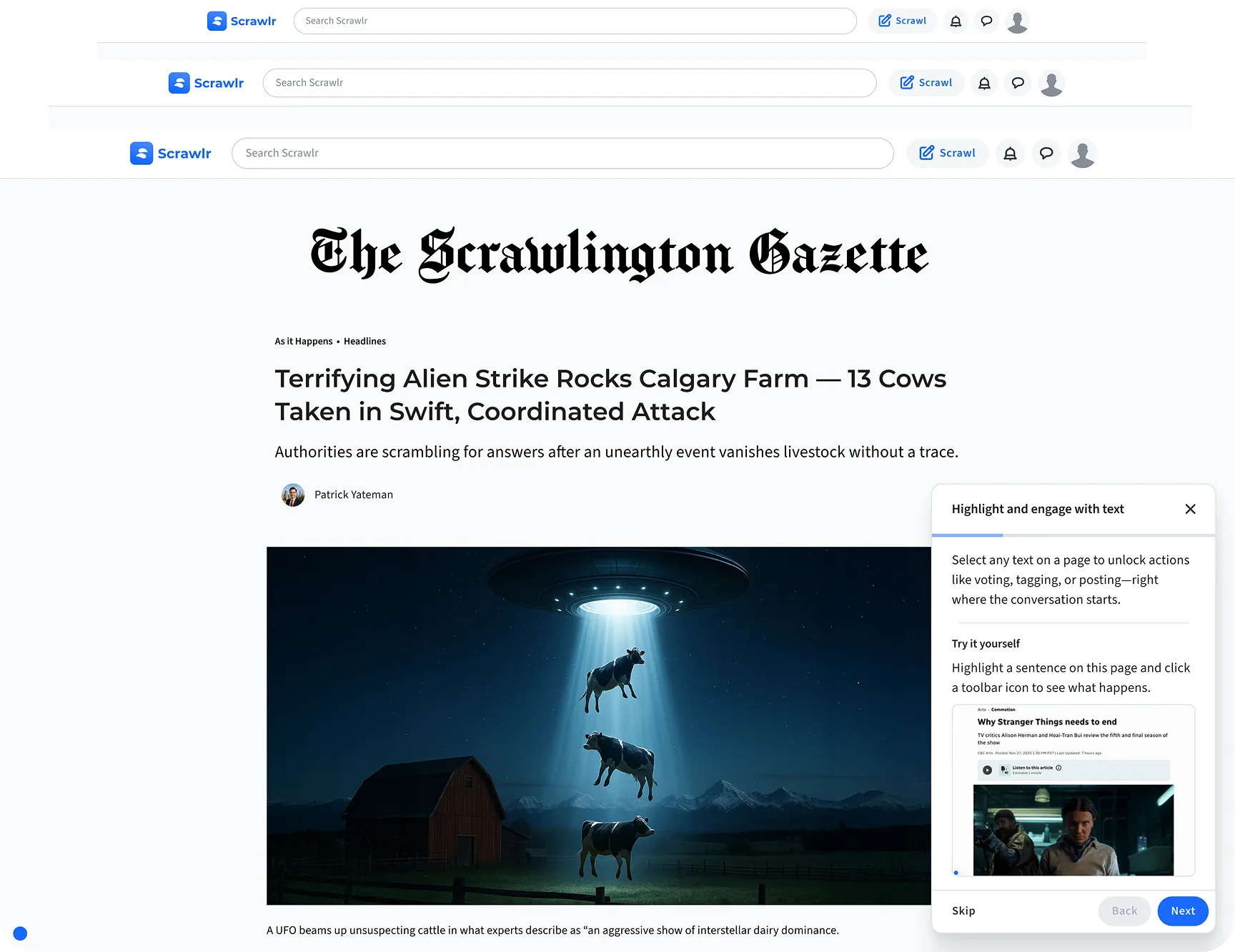
Discover a hidden layer of the web when you highlight, tag, and share directly on any page with Scrawlr.
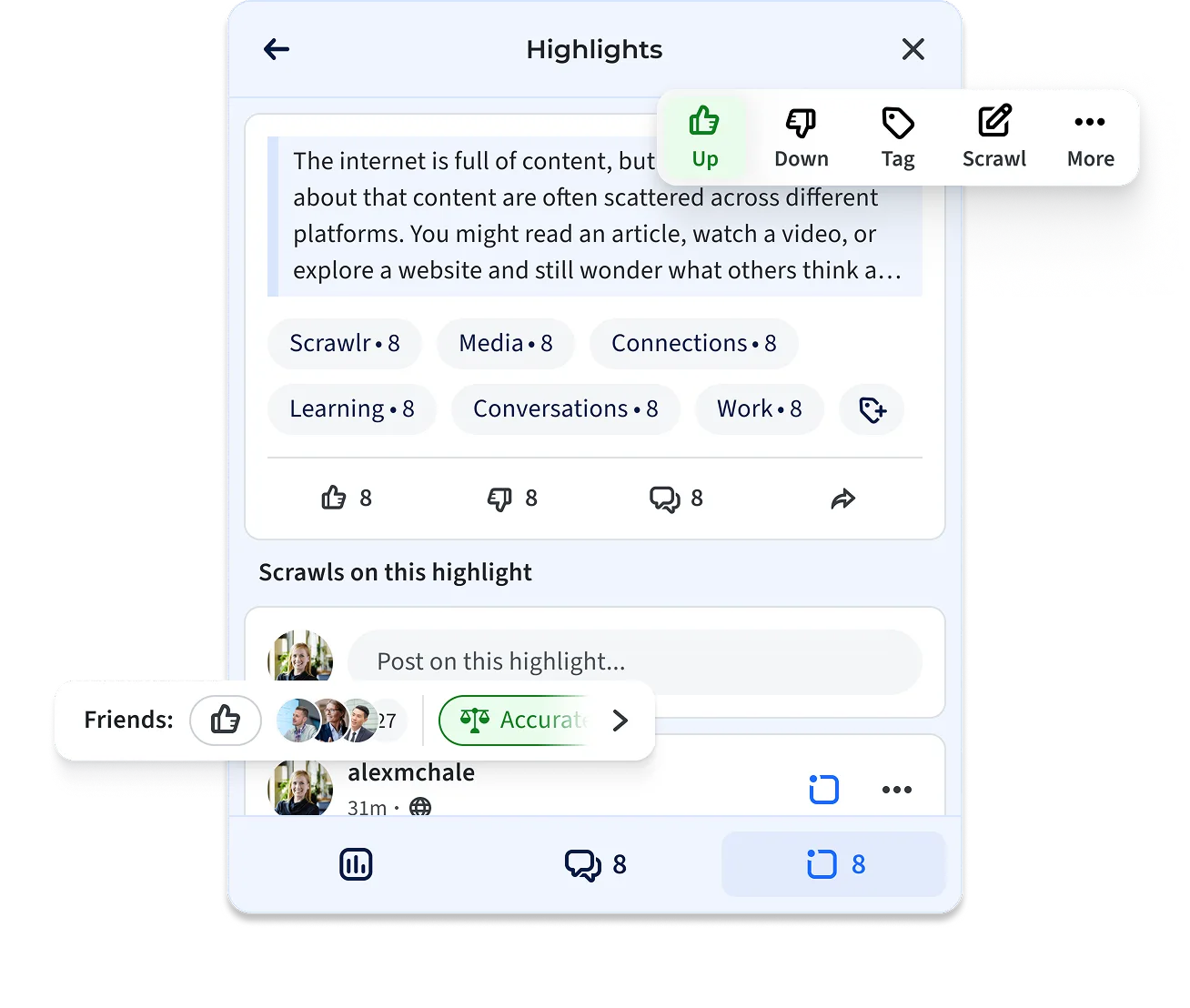
How it Works
Start in seconds. No learning curve. Just the web, scrawled your way.
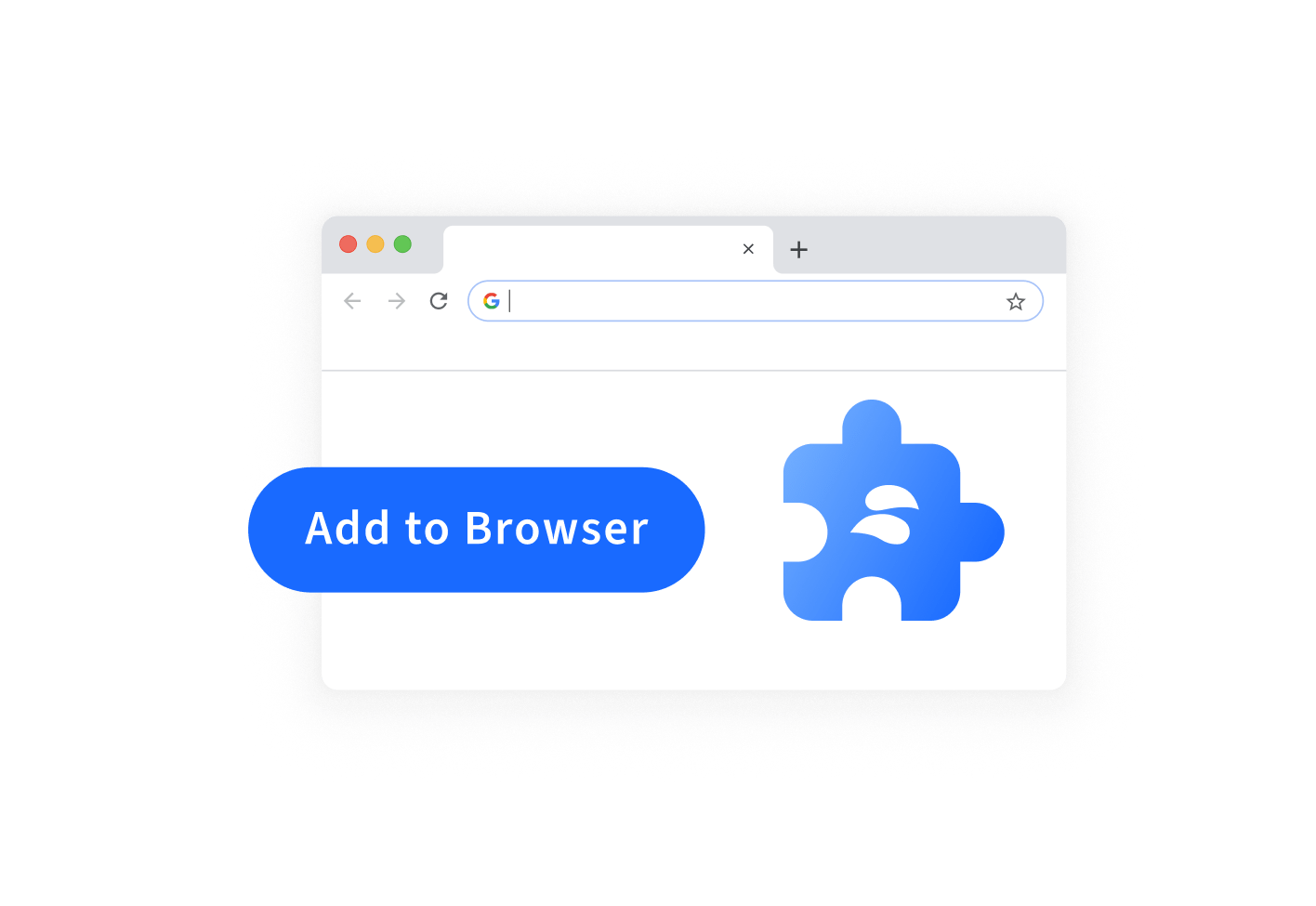
Add the Extension
Add the Scrawlr extension to your browser in seconds. It's completely free and built to help you turn any webpage into a conversation.Available on Chrome, Edge and Firefox.
Highlight, Tag, and Share from Anywhere
Browse as usual. Highlight what matters. Share your thoughts instantly — no screenshots, copy and paste or app switching required. Keep your ideas tied directly to the page.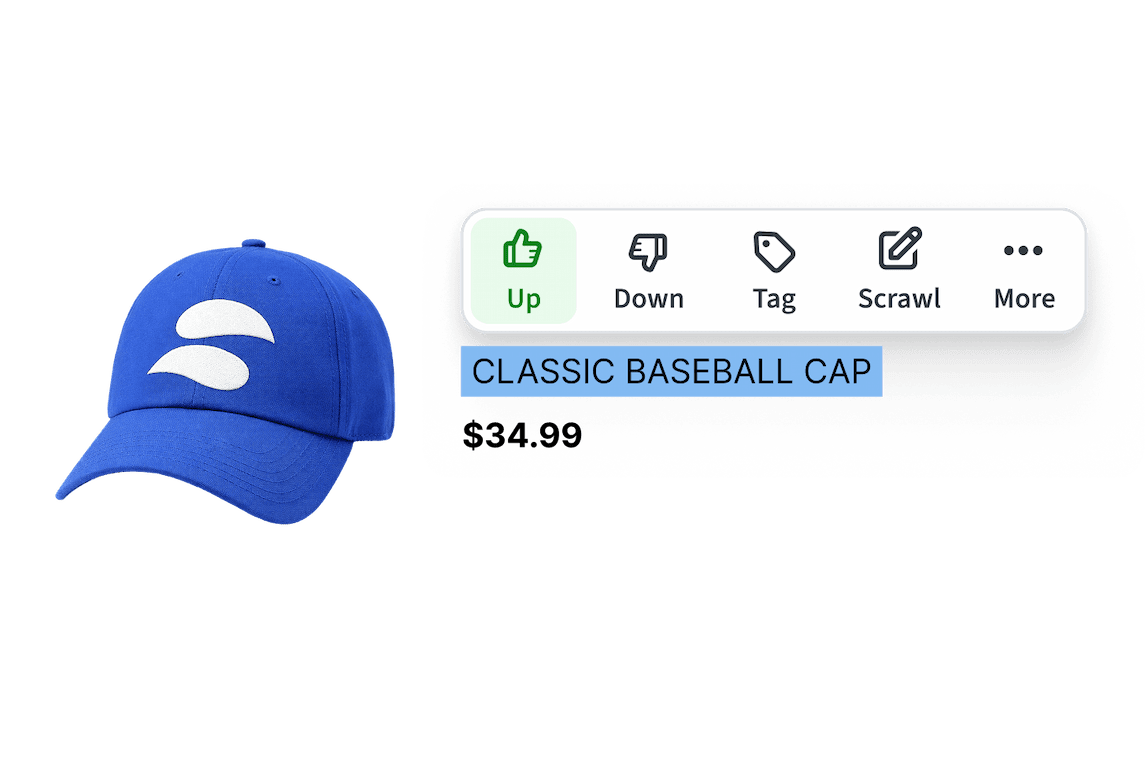
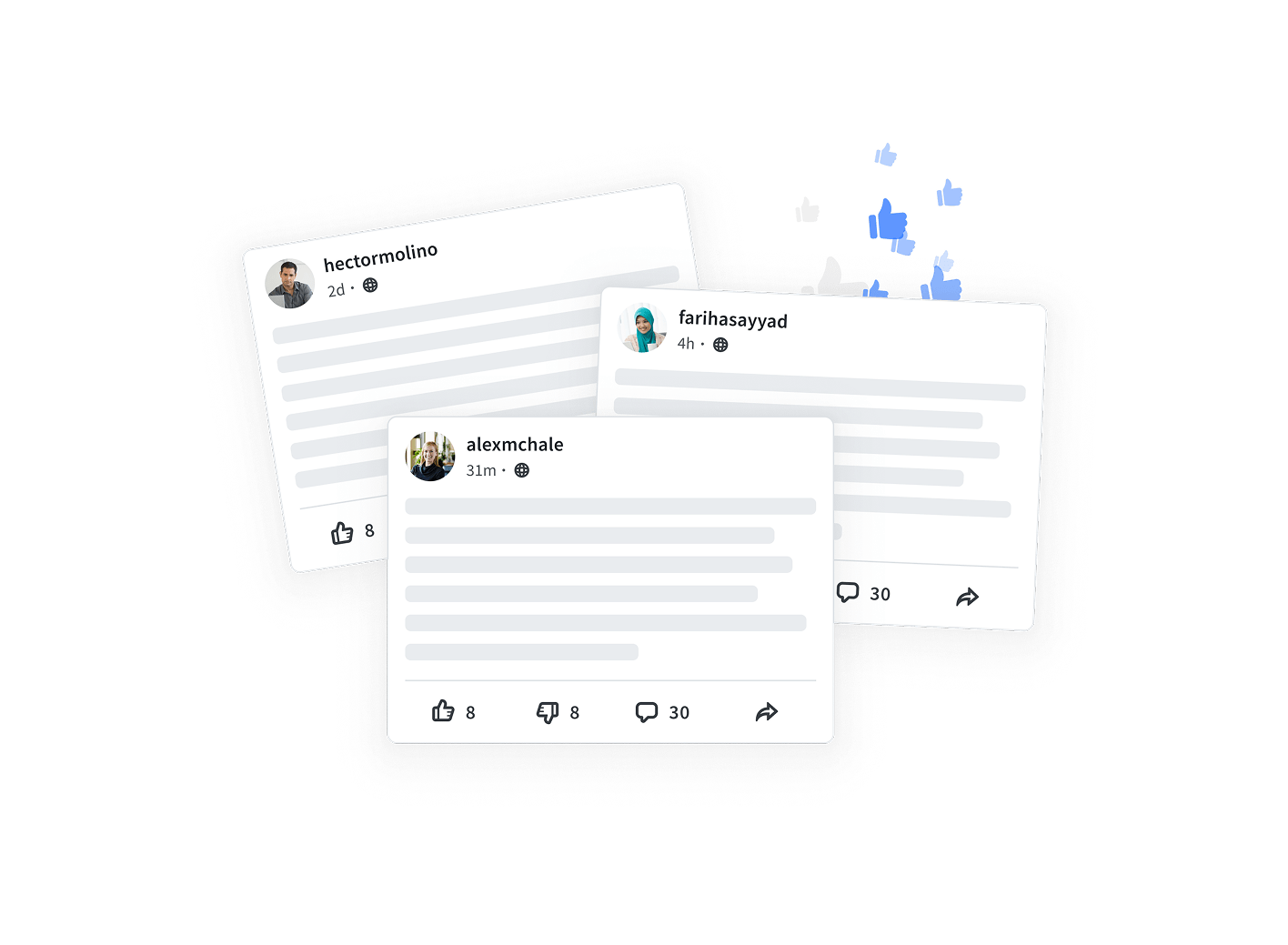
Discover What Others Are Saying
Uncover a layer of conversation across the web. See how others interact with content and join discussions that add new context and perspectives.Less noise, more trust.
Try it Out
Experience how Scrawlr works with our extension demo — no download necessary!
Annotate In-Page
Add questions, comments, and critiques right where they belong.
Collaborate Together
Reply in context and react directly on the page.
Evaluate Content
Vote, tag for accuracy or helpfulness, and crowd categorize insights.
Ready to Scrawl?
Scrawlr makes browsing more interactive and seamless. Install the web extension in seconds to start capturing ideas everywhere you go online.
Frequently Asked Questions
You have questions, we have answers
Scrawlr is a tool that improves your browsing experience. Scrawlr's browser extension allows users to access a layer on top of any page on the internet, enabling new methods of content discovery and engagement on top of any page on the web.
The Scrawlr browser extension is compatible with:
- Google Chrome
- Microsoft Edge
- Firefox (coming soon!)
- Any Chromium-based browser (such as Brave, Opera, and Vivaldi)
When you install the extension, you are asked if you would like to opt-in to personalized content suggestions based on your browsing activity.
While you have activity logging enabled, the browser extension will log any pages you visit that are publicly accessible.
Check out our FAQ page, or reach out to Scrawlr Support.